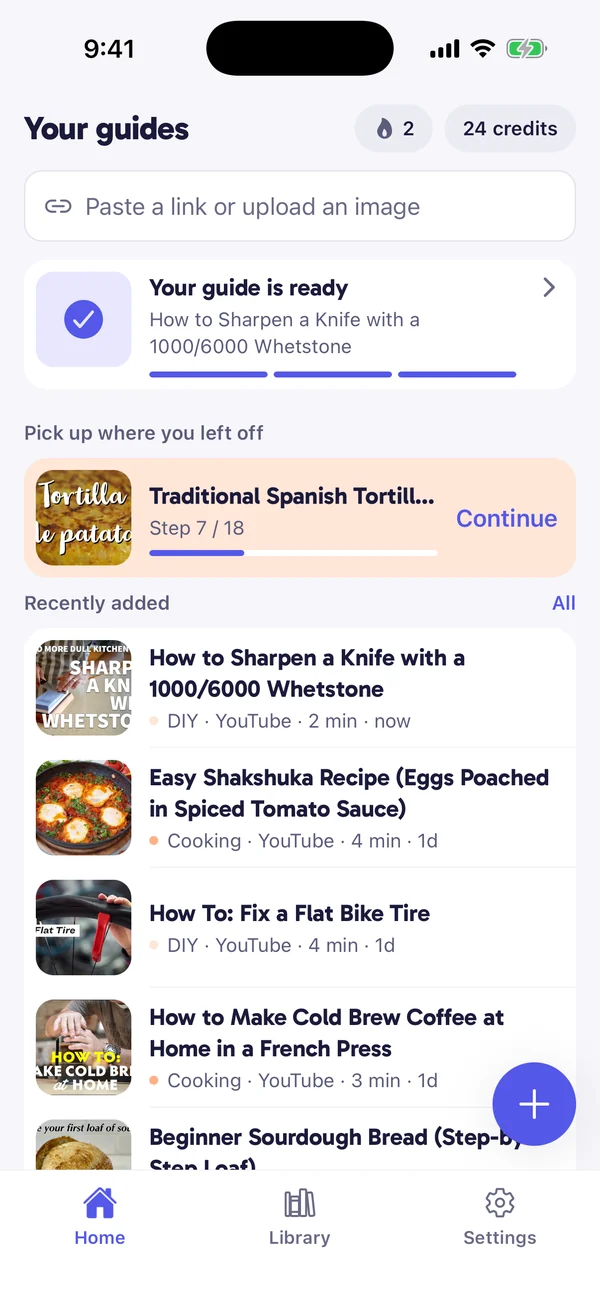
Turn how-to videos into step-by-step guides.
Share a repair, DIY or coding tutorial to VYK. Each step comes out in order with its moment in the video, and every command lands in a block you can copy.

 Or scan with your iPhone camera
- Free to try
- Guides in 11 languages
- Usually ready in 1–2 min
- Videos aren't stored

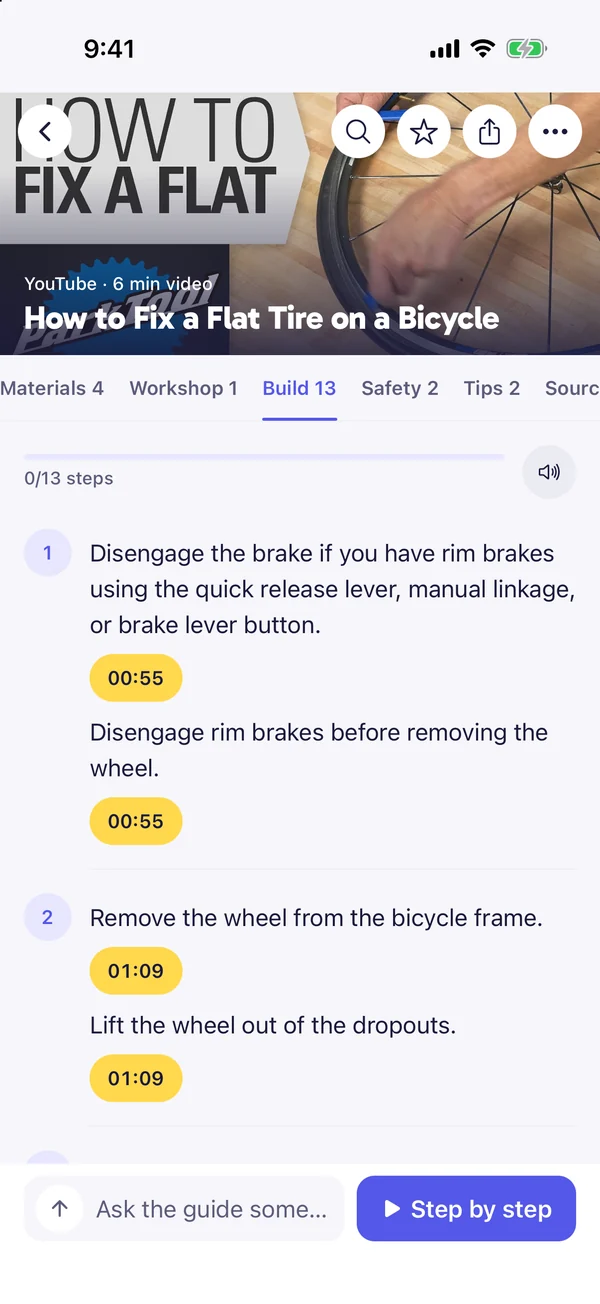
- 0:55Release the brake
- 1:09Take the wheel off
- 1:28Deflate the tube
How it works
Share the tutorial
In YouTube, TikTok, Instagram, X or Reddit, tap Share and choose Save to VYK. Or paste the link into the app.
Get the steps
In a minute or two, VYK writes out the steps in order, plus the tools you'll need and any safety warnings the video gives.
Work through it
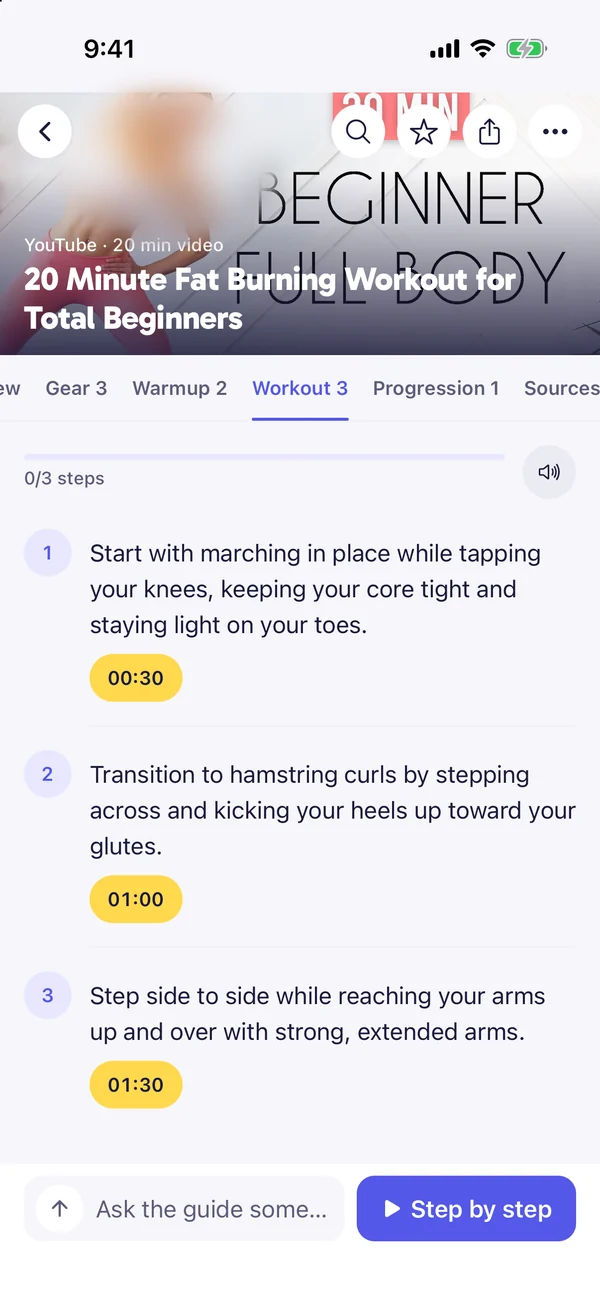
Step-by-step mode shows one step per screen in big type, easy to follow from arm's length.

Made for doing, not scrolling.
Every step, with its moment in the video.
On YouTube and Vimeo, tap 1:09 and the video opens right there. Everywhere else, the time shows you where to look.
Code you can copy.
Coding tutorials come out as exact steps, with every command in a code block ready to paste into your terminal.
git status git add . git commit -m "First commit"
Lectures become study notes.
Lectures and explainers come out as the key concepts in order, each explained in plain words, with common misconceptions when the lecture covers them.
- Key concepts
- Examples
- Misconceptions
Try an example tutorial.
A Git crash course from a public YouTube video, laid out the way VYK does it. Copy any command straight into your terminal.
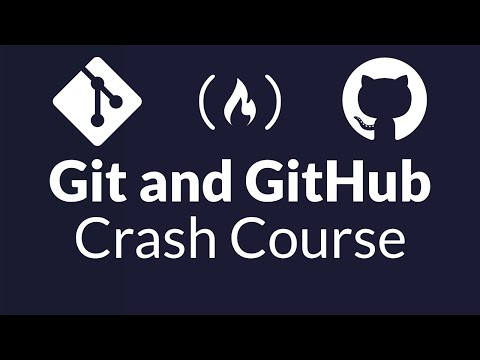
Git and GitHub for Beginners - Crash Course
freeCodeCamp.org · YouTube
Watch sourceA hand-made example of a VYK guide, not a live generation. Content is kept to what the video's public title and description state.
Git and GitHub basics
The beginner workflow from a first commit to a pull request.
Steps
- 1Set your identity
Tell Git who you are. It stamps every commit with this name and email.
$ git config --global user.name "Your Name"$ git config --global user.email "you@example.com" - 2Create a repository
Make a project folder and turn it into a Git repository.
$ mkdir my-project && cd my-project$ git init - 3Stage and commit
Check what changed, stage it, and save a snapshot with a message.
$ git status$ git add .$ git commit -m "First commit" - 4Push to GitHub
Create an empty repository on GitHub, connect it as the remote, and push.
$ git remote add origin https://github.com/<you>/my-project.git$ git branch -M main$ git push -u origin main - 5Work on a branch
Make changes on a separate branch, push it, then open a pull request on GitHub.
$ git checkout -b feature$ git add . && git commit -m "Add feature"$ git push -u origin feature - 6Pull the latest changes
After the pull request is merged, switch back to main and pull.
$ git checkout main$ git pull
Make one from your own video
Questions
What kinds of tutorials work?
Repairs, DIY, crafts, software and coding tutorials. Lectures and explainers work too, and come out as study notes.
Are the commands exactly as in the video?
Usually. VYK copies commands from what the video says, its captions and its description into code blocks, and labels anything it filled in itself as Unverified. Read a command before you run it.
Can I jump to a step in the video?
Every step keeps its time in the video. For YouTube and Vimeo videos, tapping the time opens the video at that moment.
Can I ask questions about a tutorial?
Yes. VYK AI answers from the video's own transcript and shows where in the video the answer comes from. Free includes 3 questions a day, Pro 50.
Can I save a guide to my notes?
Yes. Export any guide as a PDF or as Markdown, which drops straight into apps like Obsidian or Notion.

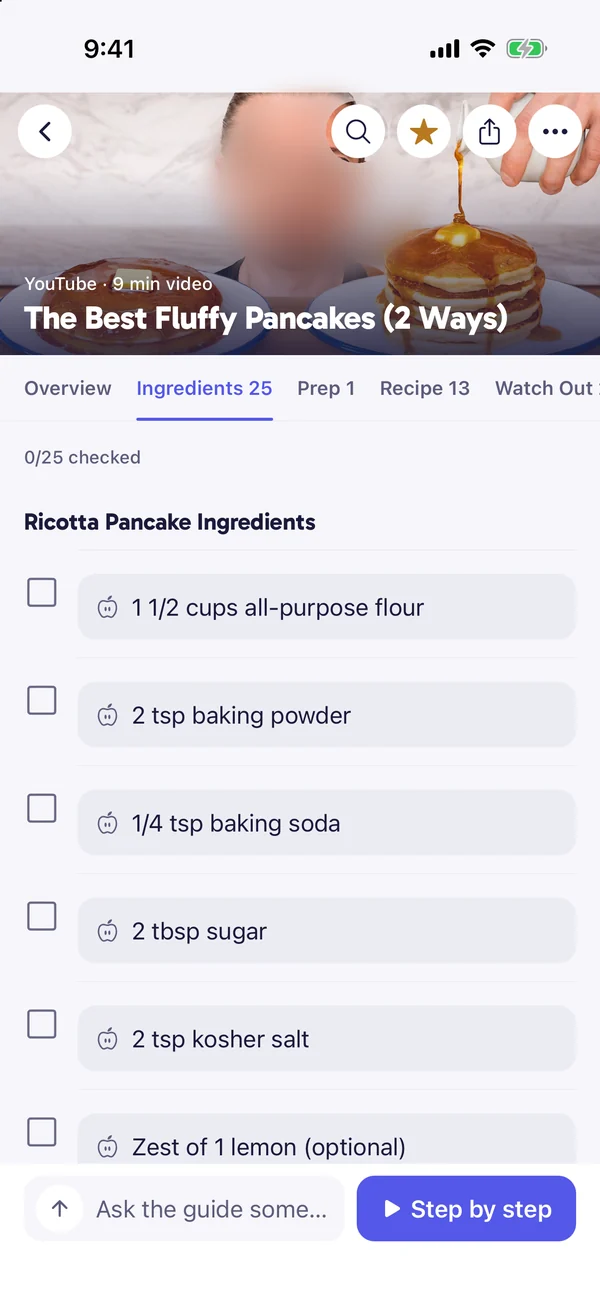

Stop rewatching. Start doing.
Download VYK free and turn the next video you save into steps you can follow.
 Scan with your iPhone camera